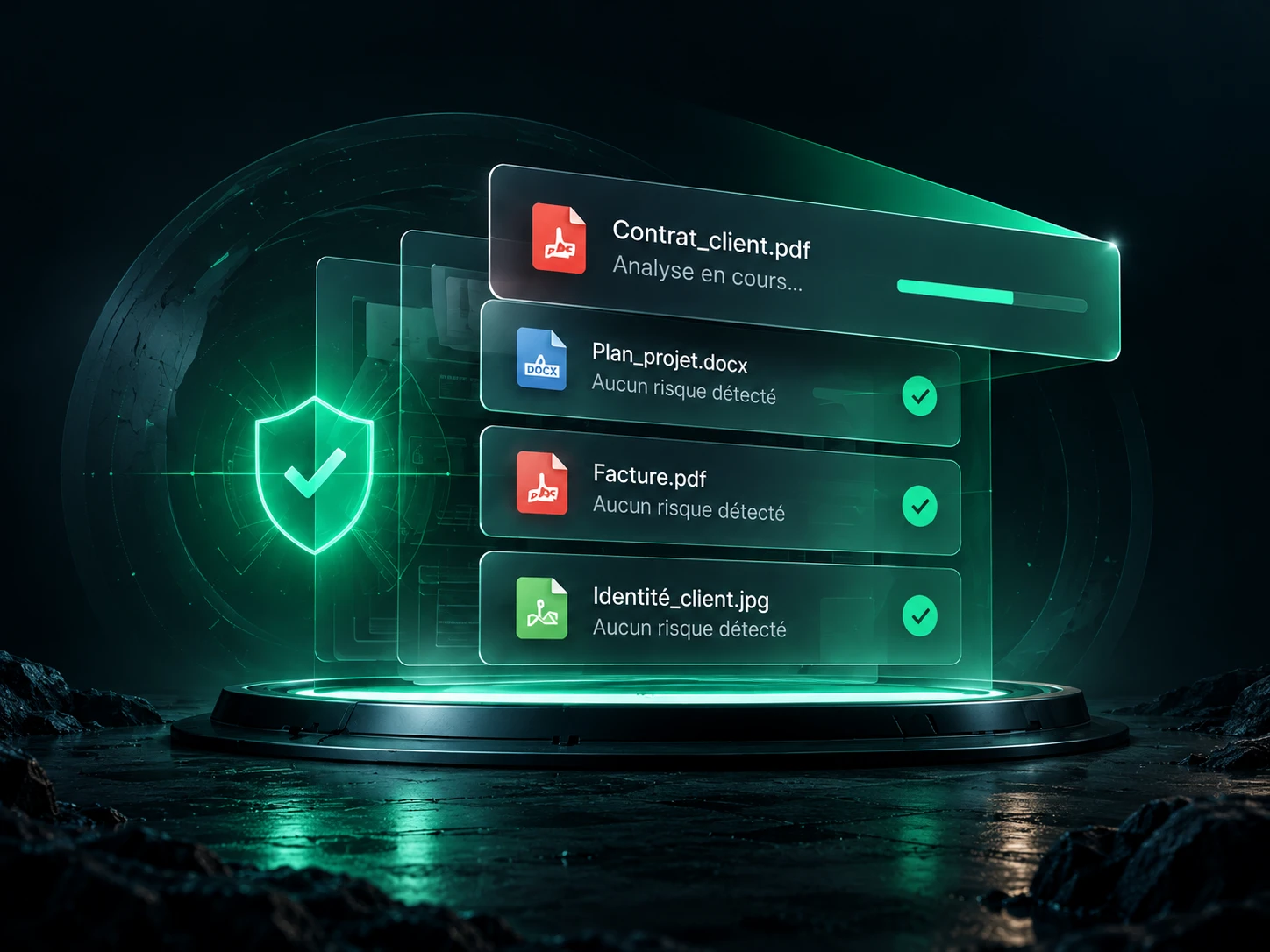
Free tools · No account
Scan a file without sending it to a server.
A local scan, no account. Choose a file: it stays on your device.
Processed locally. Your files stay on your device.
Your file goes through the scanner.
No transfer. The file is never run.
Loading the local engine…
25 MiB maximum · One file at a time · Archives and compressed content are not unpacked
Wait for the engine to be ready, then choose a file.
No match does not guarantee that a file is harmless. This scanner does not replace an up-to-date antivirus.
View and export the report
Try with a harmless test
Check that the engine works
Run the built-in EICAR test: a harmless test string, scanned in memory. This test checks the detection of that string; it does not measure coverage against other threats.
Method, privacy and limits of the scanner
Initial engine download: about 4.2 MiB.
What does this scanner check?
The boreal 1.4.0 engine runs 1,143 YARA rules locally: a selection of 1,142 rules from YARA-Forge Core, plus one EICAR test rule. The selection includes signatures of malware families and potentially malicious tools. A match is an indicator to look into, not proof of infection.
Rules version: 2026-10-26.browser-1, from the 26 October 2026 package. This version is frozen; it queries no reputation database and does not update during a scan. Loading a future version will require a new release of the site.
What the scan does not cover
The scanner examines the raw bytes of the file without running it. It does not unpack ZIP, RAR or 7z archives or Office documents, and does not open password-protected files. Compressed or encrypted streams in a PDF or another container can therefore escape the scan. External links and run-time behaviour are not checked.
Empty or oversized files are refused. An error, a cancellation or a timeout is never presented as a successful scan. A scan is limited to 30 seconds per file; you can cancel at any time.
How do files stay private?
Only the site’s files, the engine and the rules are downloaded. Once the engine is ready, the scan works even with the network cut. No content, file name, fingerprint or result is sent to a server. The task that runs the scan is not allowed to open a network connection.
Processing stays in memory in the tab, with no automatic saving. “Clear” removes the file and the result from the page and restarts the scanning task. The report is only saved if you download it yourself.
Understanding and reproducing the results
See the rules used and their references, the manifest of this version and the attributions and licences. The engine comes from Boreal and the rule selection from YARA-Forge. The EICAR test is only used to check that a detection works.
To check the format before scanning, use our file type detector. To organise exchanges, read our guide to sharing confidential documents with a client.
What comes next, in DocBunker
A checked file.
A better protected exchange.
Get file scanning inside the app and go further: share your documents in a client space, follow the exchanges and gather feedback in one place.
Create my DocBunker space Discover the app →