Free tools · No account
Identify the likely type of a file.
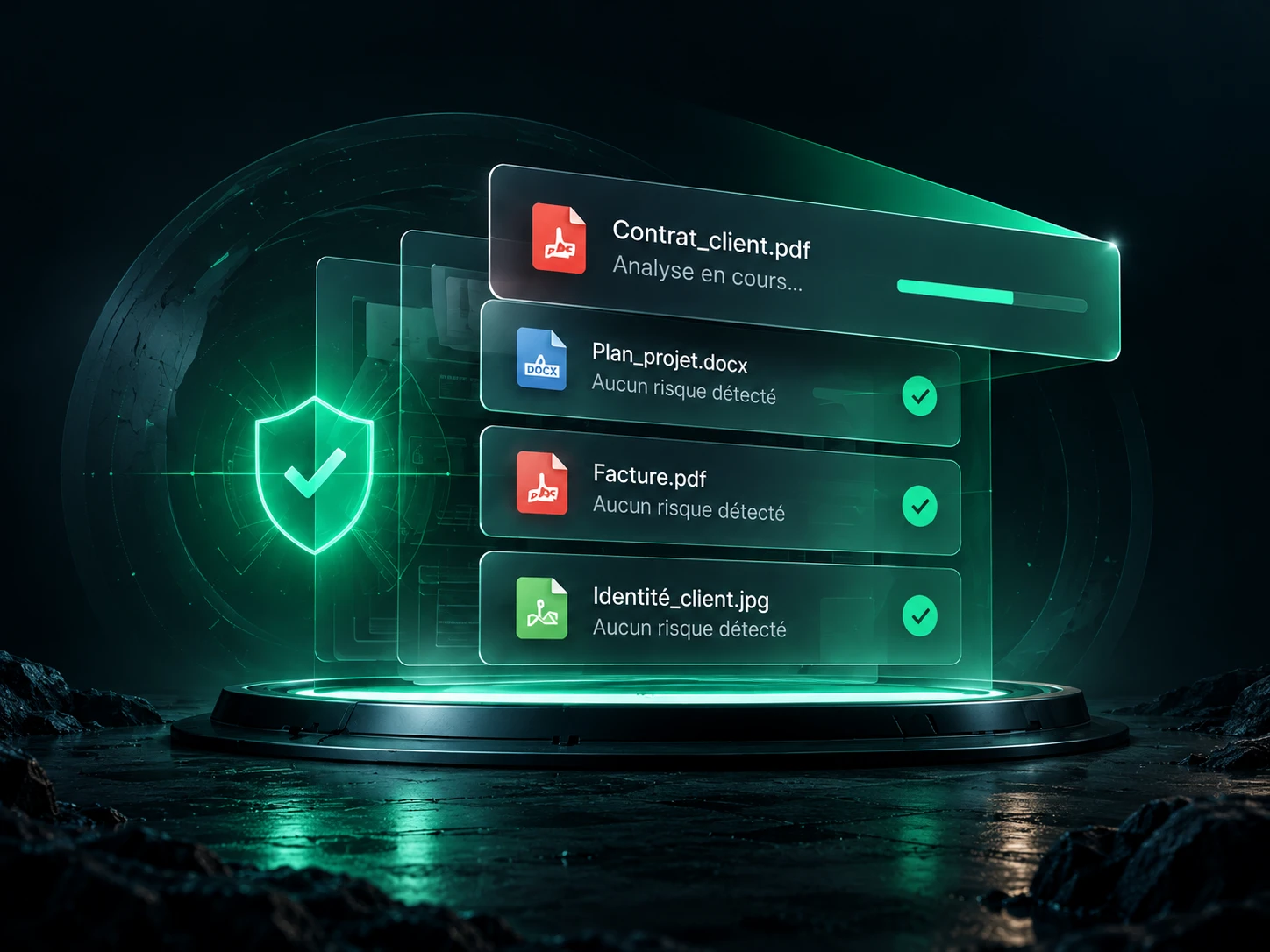
Examine the file signature and compare it with its extension. Only the first 64 KiB are read, locally, without opening the document.
Processed locally. Your files stay on your device.

Any file can be selected. Archives are not unpacked and documents are not displayed.
Choose a file to examine its signature.
- File name
- Likely type from the signature
- MIME type tied to the signature
- Name extension
A consistent signature guarantees neither that the document is valid nor that it is free of malware.
Spot a misleading extension
Renaming a PNG image to “document.pdf” does not turn it into a PDF. This tool examines the first bytes and flags mismatches with the usual extensions of the recognised format. The type declared by the browser is not used to decide the result.
Which formats are recognised?
PDF, PNG, JPEG, GIF, WebP, TIFF, BMP, ICO, ZIP, GZIP, RAR, 7z, TAR, WAV, AVI, FLAC, Ogg, some MP4 containers, AVIF, HEIC, OLE and MZ or ELF binaries. UTF-8 text is estimated. Unrecognised formats are shown as undetermined.
A DOCX can be recognised as a ZIP container: the tool does not inspect inner files and does not confirm the sub-format. A truncated or encrypted file, or one made of several formats, can fool a header-based detection.
This detector is not an antivirus
OWASP recommends combining several controls. This result must not be used to declare a file safe. For an unexpected attachment, confirm where it came from before opening it.
To look for signatures of known threats, use the local malware scanner, which scans the file without sending it to a server.
To organise the documents you receive from clients, discover document collection in a shared folder.
What comes next, in DocBunker
A checked file.
A better protected exchange.
Get file scanning inside the app and go further: share your documents in a client space, follow the exchanges and gather feedback in one place.
Create my DocBunker space Discover the app →