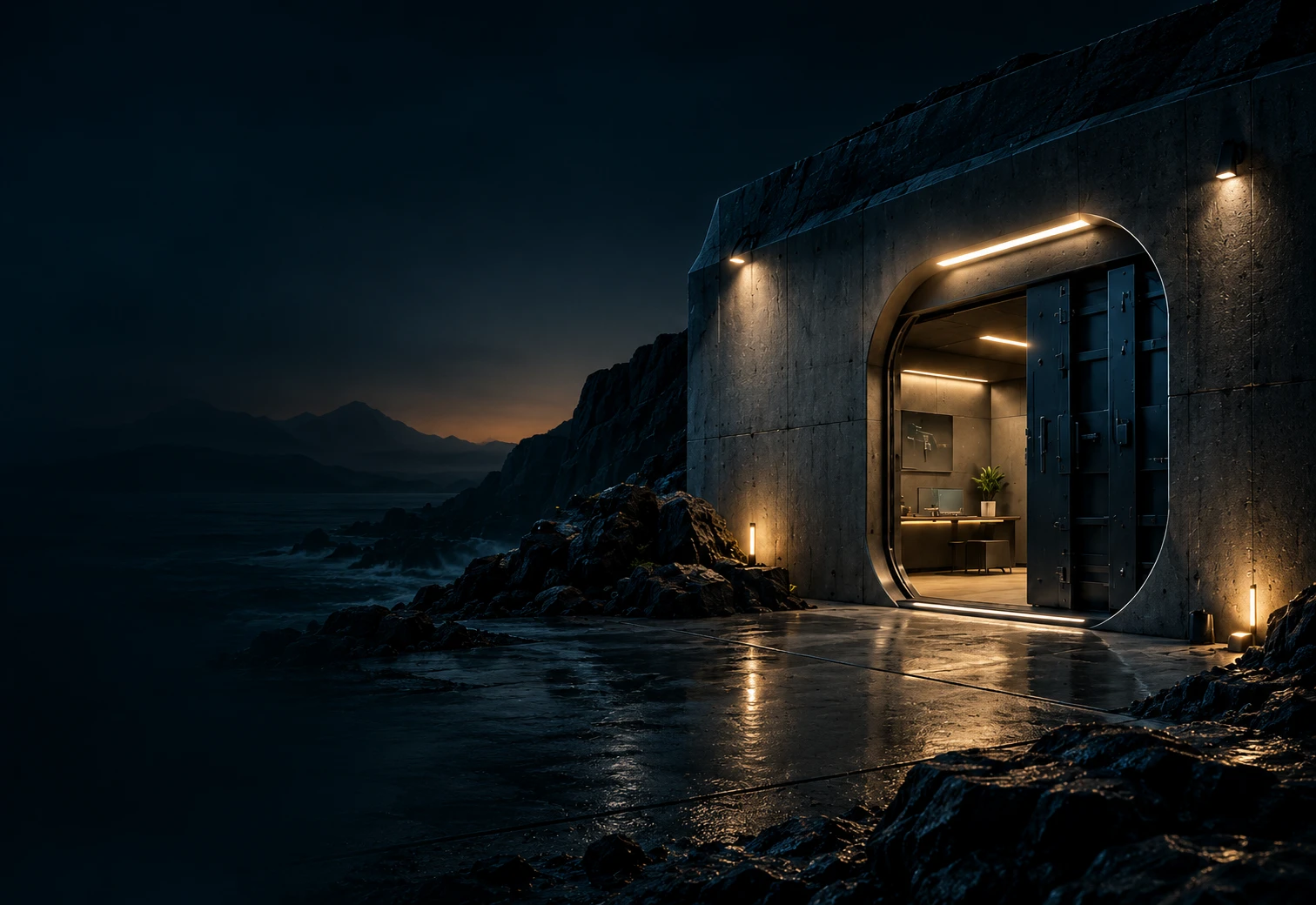
Open steel vault door in a dark concrete wall, lit from inside, with a green emblem on the door showing a document protected by a shield with a keyhole.

Everyday sharing compared

How should you exchange client documents?

Email, WhatsApp, paper or a shared folder: choose according to how you work with your client.

Find the right way to share.

A one-off delivery and a project with several rounds of feedback may need different approaches. Each comparison offers a direct answer, a table and a practical example.

DocBunker vs email

Email or a client portal for your documents?

Email works for sending a single expected document to one recipient. A DocBunker folder becomes useful when you need to keep several files, versions and comments together throughout a project. You can keep using email to send the folder link and announce the next step.

Read the comparison

DocBunker vs WhatsApp

WhatsApp or a client folder for sending documents?

WhatsApp suits a quick request or a one-off file in a conversation you already use. A DocBunker folder becomes useful when you need to organize documents by project, with a place to view files, upload them and leave feedback. You can send the folder link through WhatsApp.

Read the comparison

DocBunker vs paper

Paper or an online folder for client documents?

Paper suits an in-person handover, reading during a meeting or documents your process requires you to keep in their original form. A DocBunker folder suits remote file exchanges, documents received during a project and comments. You can use both approaches together.

Read the comparison

For help preparing requests and sharing documents, read the DocBunker guides.

Concrete bunker lit at night by the sea, with a large armoured door and the DocBunker sign next to a green vault emblem.

Make client exchanges easier

Give your documents a shared home.

Keep files and client feedback together in a private folder.

Create my folder