
Client portal for agencies: files and feedback
A client portal that fits your agency.
From the brief to final deliverables, give your client a folder for project documents and questions. DocBunker brings files and comments together around the work.
- No client account needed
- Private, revocable links
Support exchanges from the brief to delivery
At the start: gather project materials
Create a folder for the project and send the link to your contact. They can upload the brief, copy and visual assets without an account. Structure the request with our approach to collecting client documents.
During production: give feedback context
Add proposals and ask your client to name the file and version in their comments. Find the documents and exchanges in the same folder when preparing revisions.
At delivery: identify the chosen files
Name deliverables clearly and explain which files to use. Review recorded views and downloads in the activity log, then revoke the link when access is no longer needed.
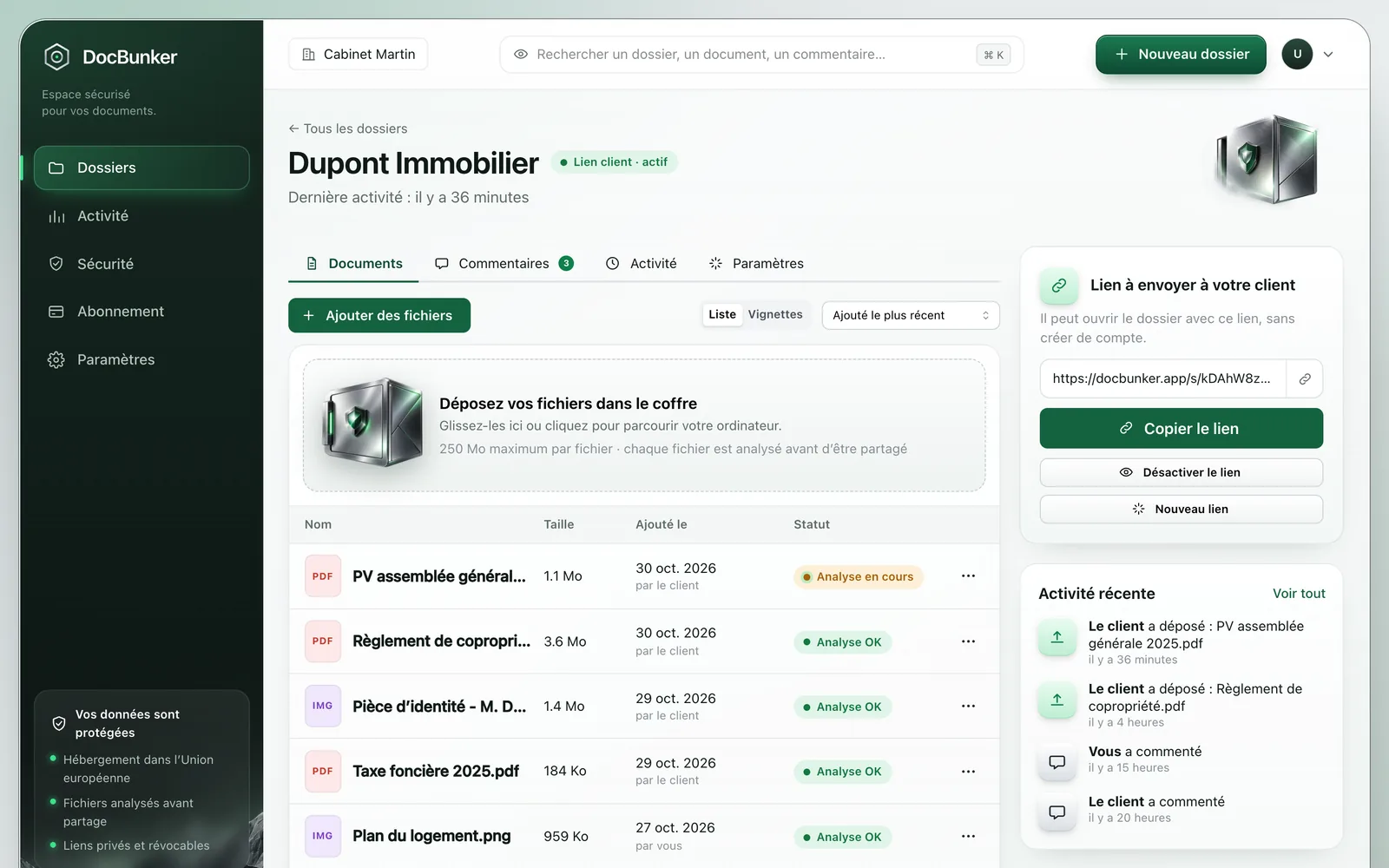
An example for a communications agency
Your agency is preparing a brochure. The “Autumn launch brochure” folder contains the client brief, supplied copy and a PDF proposal. Your accompanying message asks for feedback on the pages that need changes.
The client comments, “Proposal v2, page 4: replace the photo”, and uploads the new image. You add the next version with an explicit name. The folder gives everyone a common reference during the exchange.
This is a working method: DocBunker does not compare versions automatically or replace your project planning tool.
Manage the link you share
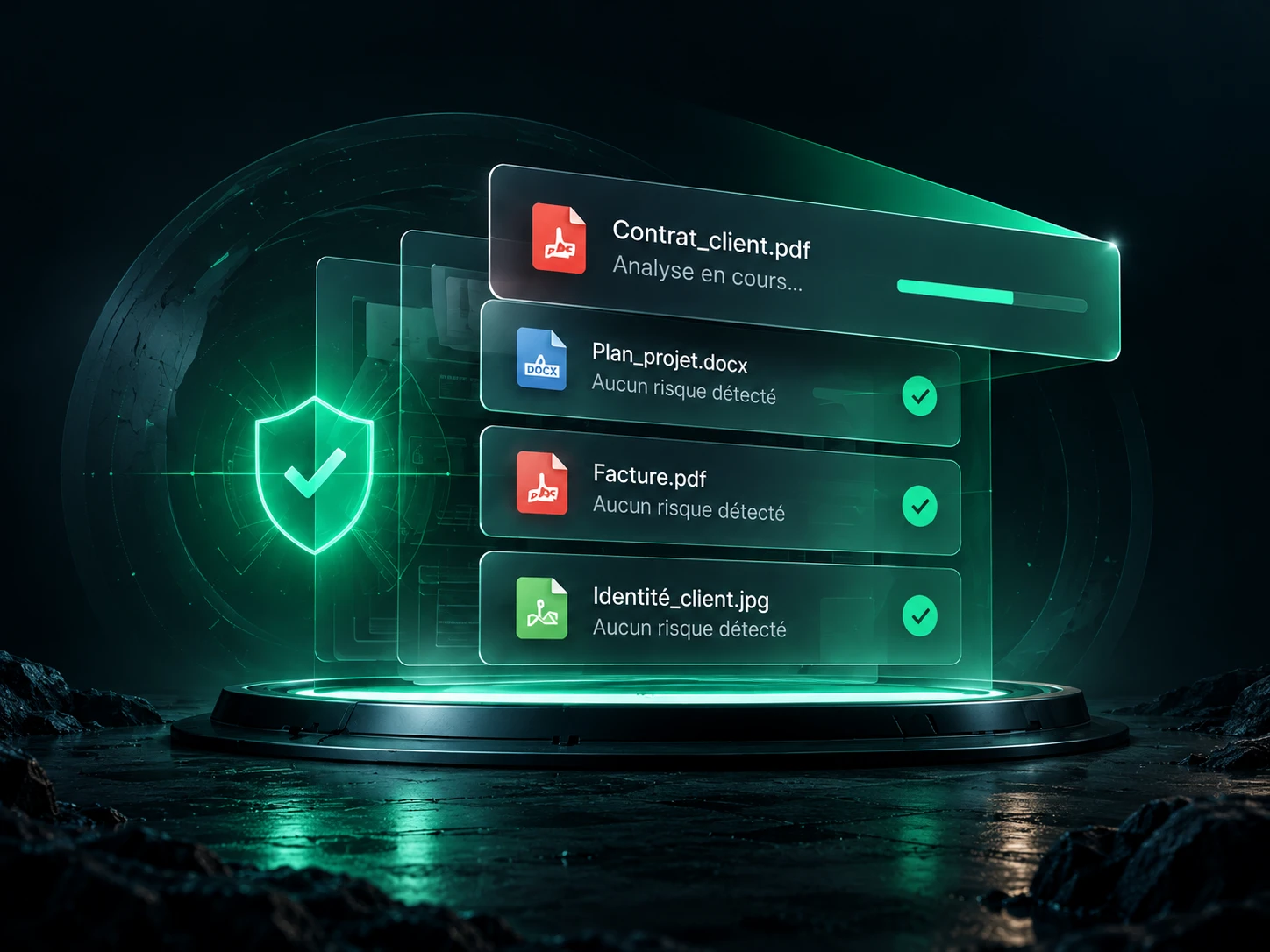
Links can expire and you can revoke them. Clients access the folder without an account, but anyone they pass the active link to can also use it. Activity log events do not prove a viewer’s identity.
Files undergo checks before downloading becomes available. These checks cannot guarantee that a file is free of threats.
Before you start
Simple exchanges.
Clear answers.
Access, limits and using your client folder.
Questions about client portals for agencies
How do I separate different clients’ documents?
Prepare a separate folder for each client or project. Check its contents and the link recipient before sending it.
Does the portal replace our project management tool?
DocBunker handles files and client exchanges. Keep task assignments, deadlines and production tracking in your project management tool.
What are the limits for deliverables?
Each folder accepts up to 50 files, with a per-file limit of 25 MB on Free, 250 MB on Pro or 2 GB on Business. Check export sizes before planning delivery of videos or large design files.
Does revoking access remove the client’s copies?
No. It stops future access through that link. Recipients keep copies they have already downloaded.

Make client exchanges easier
Your next project starts here.
A private folder for your client’s files, questions and feedback.
Create a project folder