
Collect client documents online
Collect your client documents. In one place.
Give clients one place to upload the files for their project. Find received documents and questions together instead of searching several conversations.
- No client account needed
- Private, revocable links
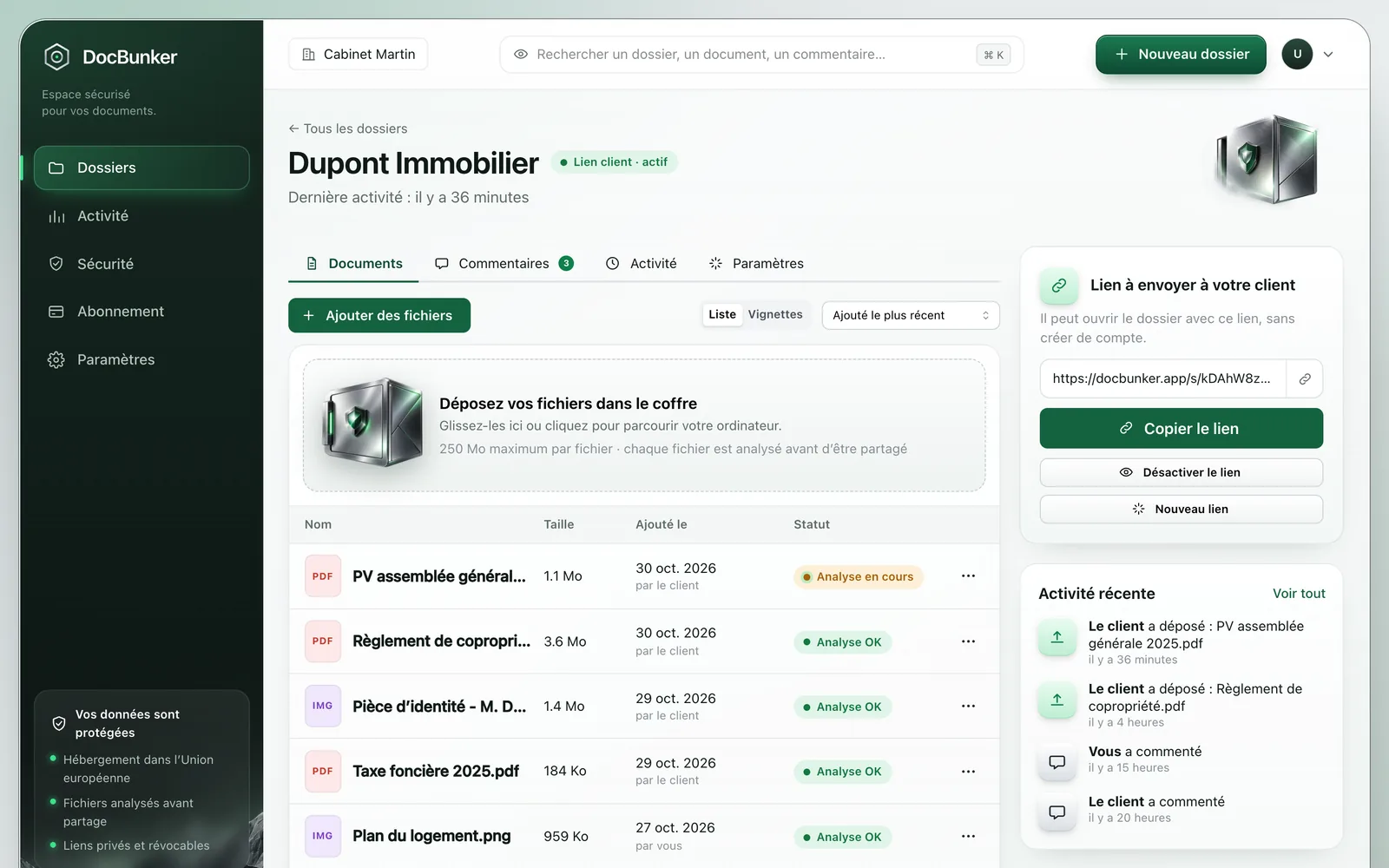
A clear request and one link for uploads
- Prepare a folder for the project. Choose a specific name, such as “Website: starting materials”, and list the required files in your message.
- Send the private link. Your client opens the folder and adds documents without creating an account.
- Check the files you receive. Review files once the checks allow downloading, then use comments to request clarification or another version.
The activity log brings together recorded actions in the folder. Review uploads and exchanges before preparing your next follow-up.
Example: gathering materials for a website
Before designing the pages, you need the logo, page copy and selected photographs. State the format and purpose of each item:
- An SVG or PNG logo for the website.
- One text document per page, named to match the site plan.
- Selected photographs, with confirmation of permission to use them.
If an item needs a correction, name the file in a comment and explain what to change. Keep your requested-file list up to date in your project tool: receiving a file in DocBunker does not mean you have approved it for use.
Prepare requests and follow-ups with our guide to collecting client documents.
Review received files before using them
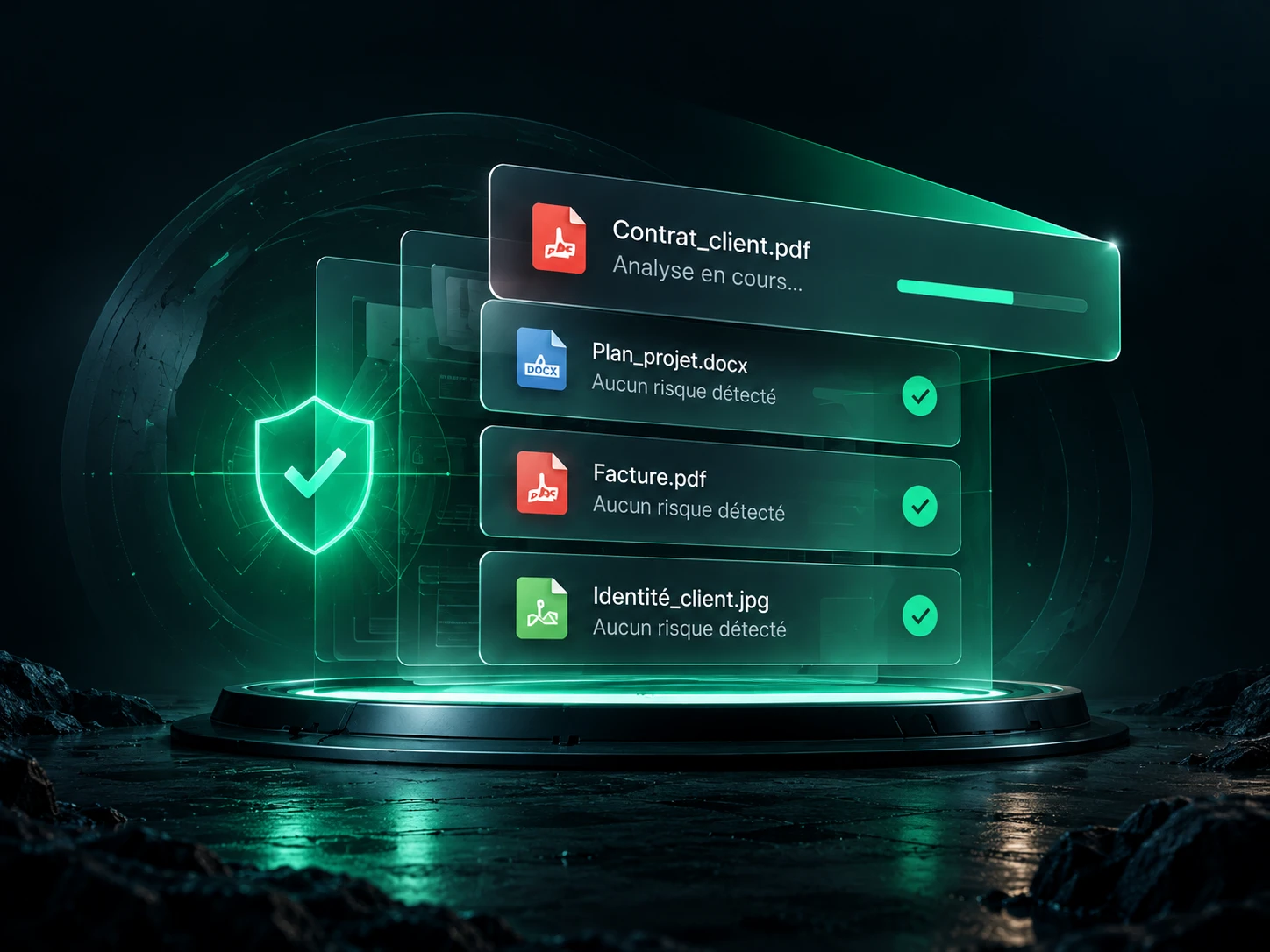
Files undergo checks before they become available to download. DocBunker blocks downloads while checks are pending or a file is flagged as dangerous.
These checks cannot guarantee that a file is free of threats. Confirm that the documents match your request and come from an expected source.
Before you start
Simple exchanges.
Clear answers.
Access, limits and using your client folder.
Questions about collecting documents
Can my client upload without an account?
Yes. The private link provides access to the folder and document uploads. The owner signs in to manage the folder and its access.
How many documents can I receive?
A folder holds up to 50 files. The per-file limit is 25 MB on Free, 250 MB on Pro or 2 GB on Business. Use separate folders when projects require separate documents.
Are follow-ups automatic?
You send the follow-ups. Files, comments and the activity log help you check the situation before contacting the client.
How do I close uploads after collection?
Revoke the link from folder management when it should no longer provide access. Anyone holding an active link can use it, so share it with the intended participants.

Make client exchanges easier
Your next project starts here.
A private folder for your client’s files, questions and feedback.
Create my collection folder