
Document sharing for freelancers
Freelancers: one folder for each project.
Give each client a link to find your documents and send you theirs. Keep comments close to the files when you return to work.
- No client account needed
- Private, revocable links
A reference point for project documents
You send a quote, receive text and deliver a final document. Files can end up spread across emails and messages. A DocBunker folder gathers the shared documents and comments for your project.
- Before starting: share your proposal and request the materials you need.
- During the project: add a working version and gather client questions in the comments.
- At delivery: upload the chosen files and identify which ones the client should use.
Your client accesses the private folder link without creating an account. You sign in to manage the folder and its access.
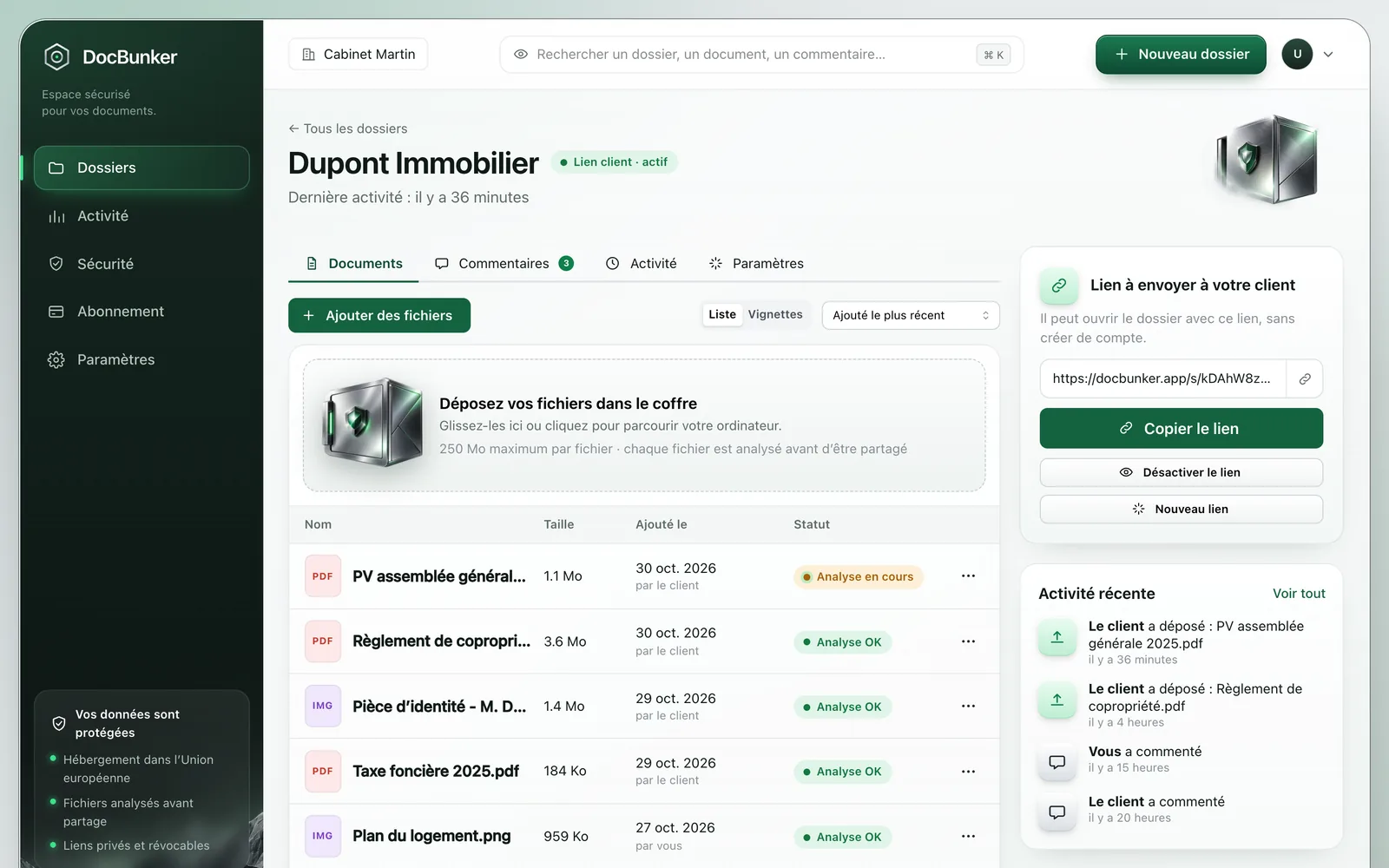
Example: delivering website copy
You are writing website pages. Create a folder named “Website copy: Martin” and add your proposal and working documents. Ask the client to upload their brief and references to the same place.
Name text files by page and version, such as “homepage-v1.docx”. Ask the client to cite that name in comments. Once revisions are complete, upload “homepage-delivery.docx” and explain that this is the version to use on the site.
You control the naming convention: DocBunker does not merge changes or provide collaborative document editing.
Prepare the initial request with our page on collecting client documents.
Review exchanges before following up
Check comments and the activity log before requesting a response. Recorded actions, including views and downloads, help you review what happened in the folder.
A download does not establish acceptance of a quote or agreement to its contents. Request explicit agreement through your usual process.
Before you start
Simple exchanges.
Clear answers.
Access, limits and using your client folder.
Questions about document sharing for freelancers
Can I send confidential files?
The private folder link can expire and you can revoke it. Anyone holding an active link can use it: choose recipients and check that this access arrangement suits the sensitivity of your documents.
Are files checked before downloading?
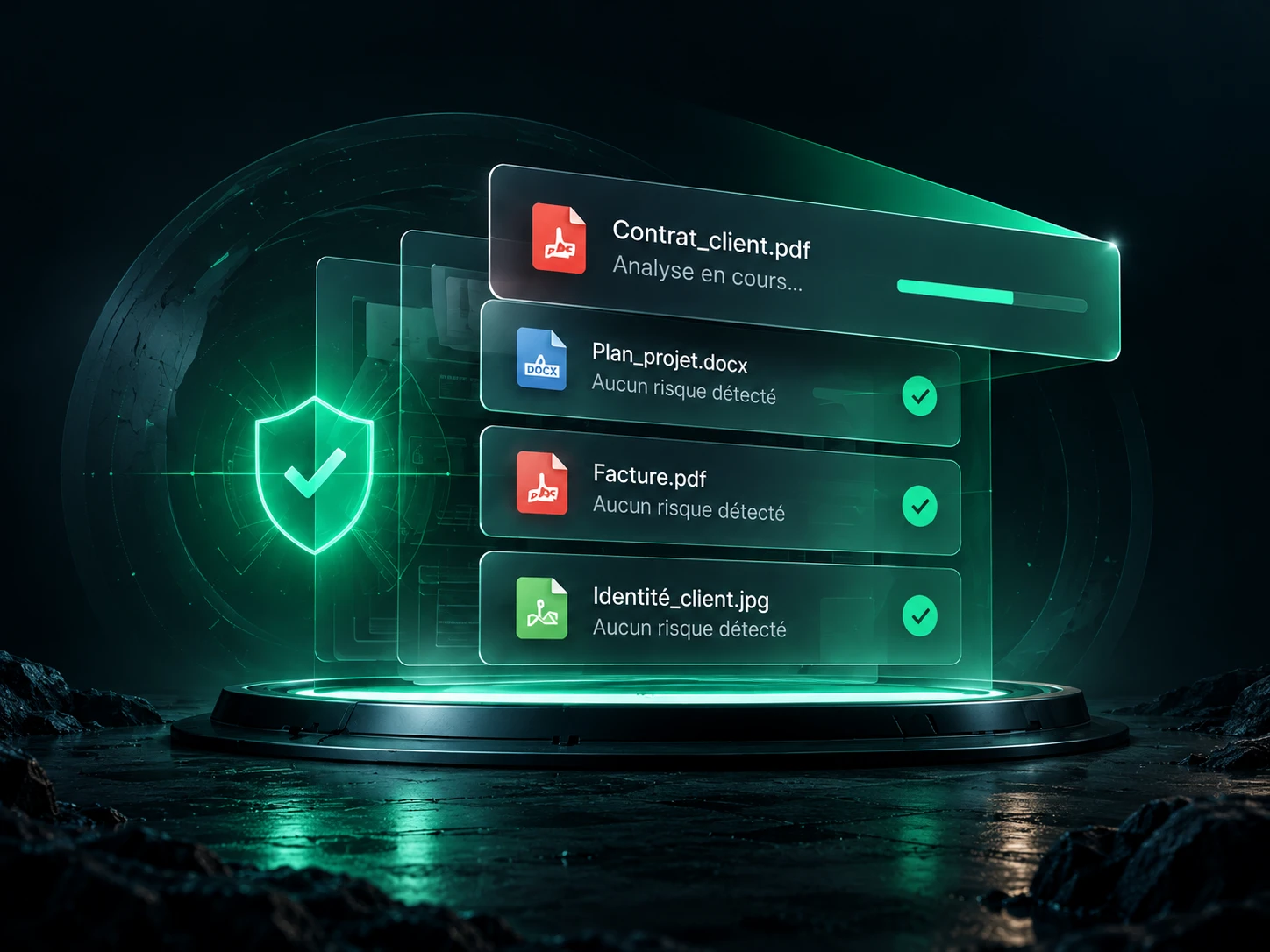
Yes. Downloads remain blocked until file checks allow them. These checks cannot guarantee the absence of threats.
Can I deliver large files?
The per-file limit is 25 MB on Free, 250 MB on Pro or 2 GB on Business, with 50 files per folder. Check your deliverables’ sizes before choosing this method, especially for videos and design source files.
What should I do at the end of the project?
Confirm which files the client should retain, then revoke the link when the folder should no longer be accessible. This does not remove downloaded copies.

Make client exchanges easier
Your next project starts here.
A private folder for your client’s files, questions and feedback.
Create my project folder