Free tools · No account
Remove metadata before sharing a file.
Remove the GPS position, device, author and hidden properties of a photo or PDF. Everything happens in your browser: the file is never uploaded.
Processed locally. Your files stay on your device.
What your file reveals without you knowing.
A photo can contain where it was taken, a PDF the name of its author. See it, then clean it.
One file at a time. The original file is never modified: you download a cleaned copy.
Choose an image (JPEG, PNG, WebP) or a PDF.
Why remove metadata?
Photos taken with a phone often contain EXIF data: GPS coordinates, device model, precise date and time. PDFs keep the author’s name, the software used and the creation and modification dates. Before sending a document to a client, a landlord or a supplier, it is better to pass on only its content.
How does the cleaning work?
For an image, the browser redraws it and saves it again: the hidden data is not copied over. The image is re-encoded, which can change its compression very slightly, with no visible difference. The photo’s orientation is kept. For a PDF, the document properties (title, author, subject, keywords, software, dates) and the extended metadata (XMP) are removed, then the tool reads the result back to check it.
What the tool does not cover
Visible content stays intact: a name written on a photo or in the text of a PDF is not removed. Comments and annotations in a PDF can carry their author’s name, password-protected PDFs are not supported, and other formats (Office documents, videos) are not handled. For a very sensitive document, review the cleaned file before distributing it.
Local processing, nothing kept
The file is read in memory in your tab and is not sent to any server. “Clear” removes the file and its cleaned copy from the page. To then check a file’s real type, use the file type detector. To send it without exposing it in a mailbox, read our guide to sharing confidential documents with a client.
What comes next, in DocBunker
A checked file.
A better protected exchange.
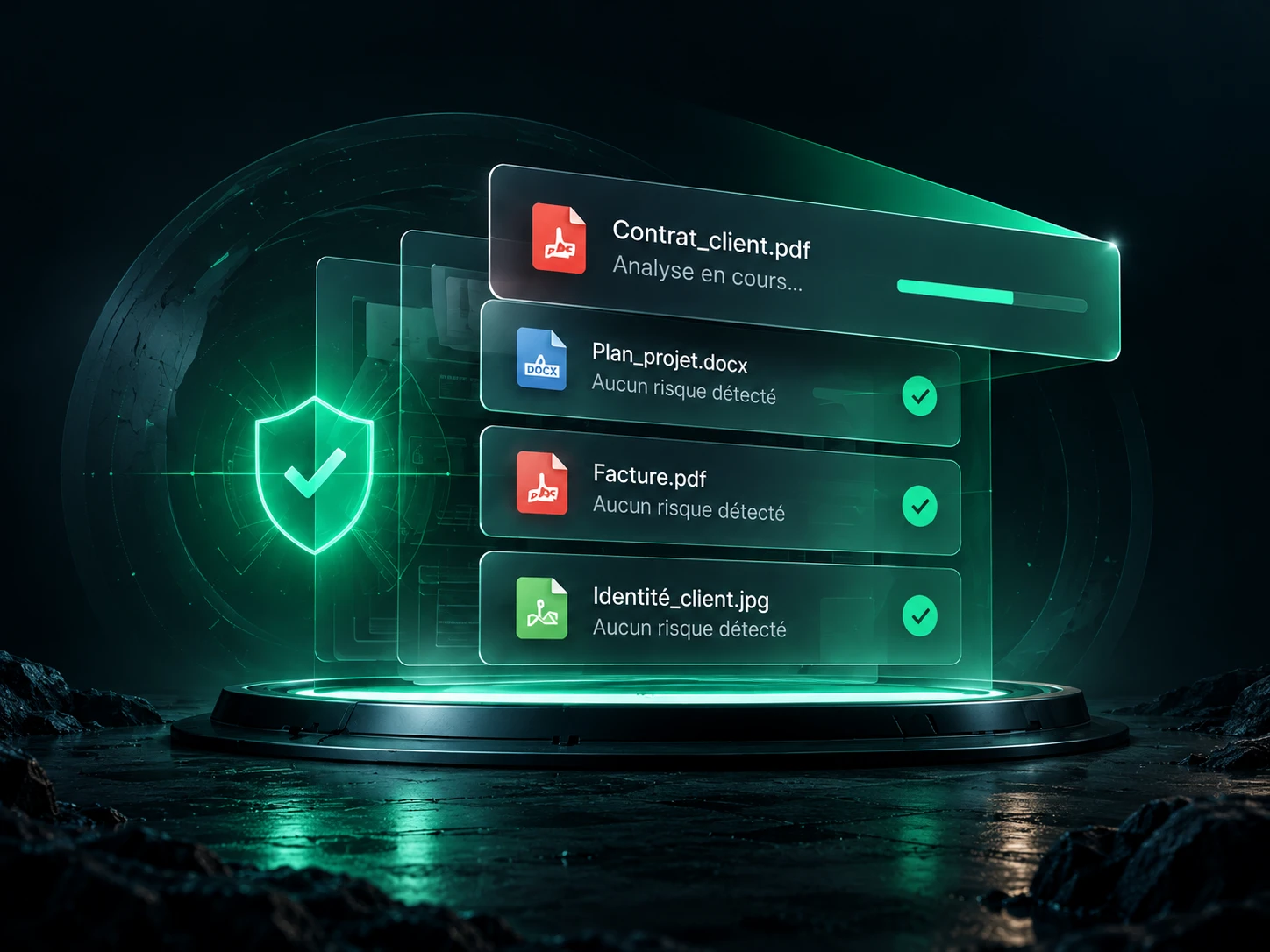
Get file scanning inside the app and go further: share your documents in a client space, follow the exchanges and gather feedback in one place.
Create my DocBunker space Discover the app →