
DocBunker vs paper
Paper or an online folder for client documents?
Paper files or online sharing? Compare handing over documents, gathering feedback and working with a client remotely.
The short answer
Which approach fits your project?
Paper suits an in-person handover, reading during a meeting or documents your process requires you to keep in their original form. A DocBunker folder suits remote file exchanges, documents received during a project and comments. You can use both approaches together.
Choose according to how you work with the client. With an online folder, you can share a revised file without handing over another printout. Paper can remain useful for reading, annotations or documents you choose to keep physically. Agree where to find the reference version.
Everyday differences
On mobile, scroll the table horizontally.
| Your needs | Paper files | DocBunker folder |
|---|---|---|
| Handing over documents | Arrange an in-person handover or delivery. | Share a link to files in the browser. |
| Working remotely | The client has the copy you handed over. | Add new files to the folder during the project. |
| Client feedback | Use notes on paper or feedback sent separately. | Keep comments with the files in the folder. |
| Choosing a version | Date copies and identify outdated printouts. | Name versions and state which one to use. |
| Keeping copies | A person holding a paper copy can keep it. | Close the link; this does not delete downloaded or printed copies. |
A one-off exchange
When paper has a place
You review a proposal during a meeting, your client prefers to annotate a printout or your process calls for keeping an original document. Keep the format that suits that task. Moving some exchanges online does not require replacing every part of your client relationship.
An ongoing project
When to share files online
You work remotely, receive documents at different times or need to send a revision before the next meeting. An online folder lets you continue exchanging files. If you scan a paper document, check that every page is present and legible before sharing it.
Prepare a folderA practical example
Example: revising a proposal after a meeting
An agency hands over a printed proposal during a meeting. The client reads it and annotates a few pages. After the meeting, they need to review a revised version before the next stage.
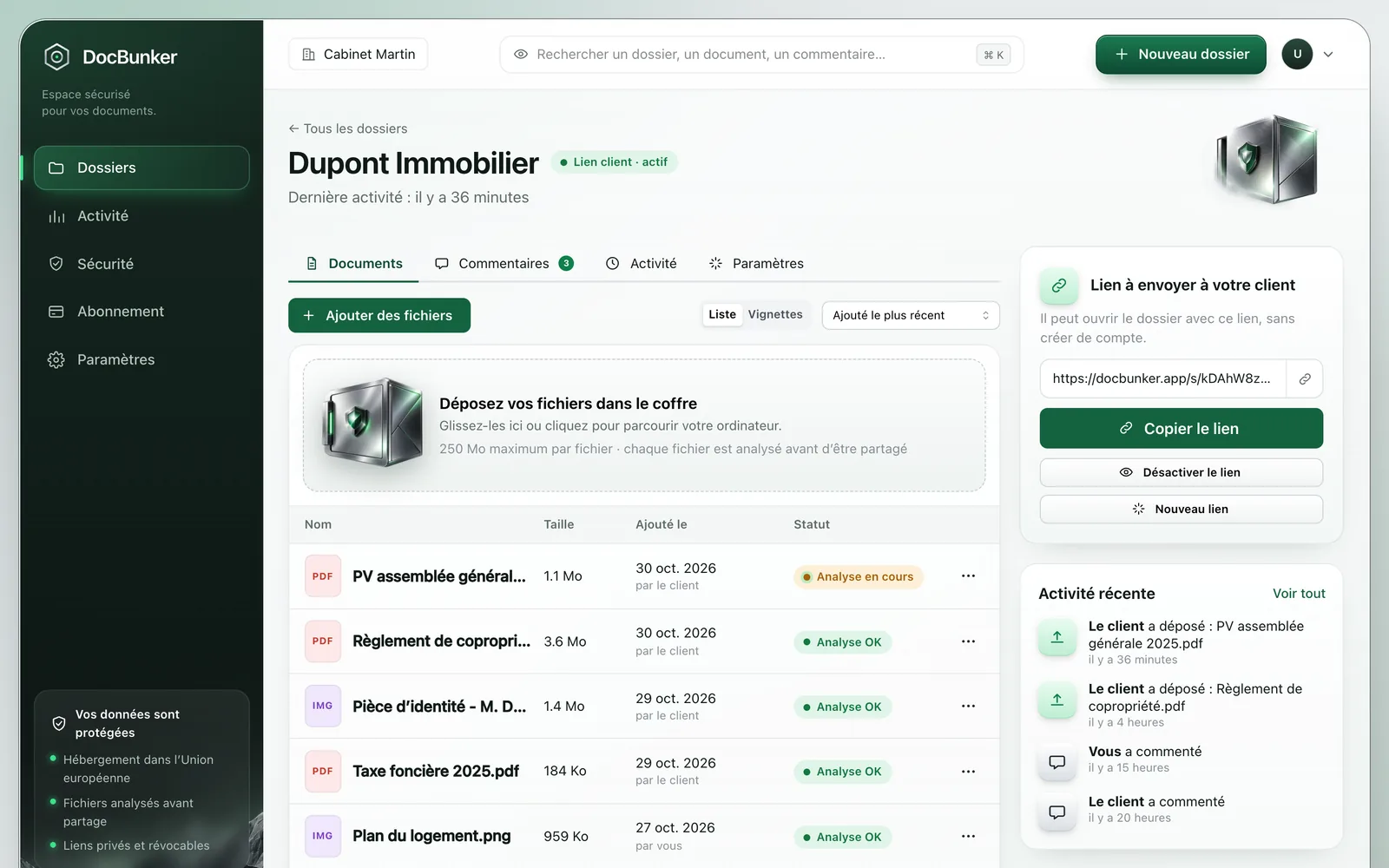
The agency can keep the paper review and place the revised PDF in a DocBunker folder. It names the changed pages in the comments. The client can find the revision and upload their own files without waiting for another physical handover.
How to get started
- Decide which documents stay on paper and which files to share.
- Give digital copies explicit titles and version names.
- Tell the client where to find the reference version and leave feedback.
Anyone holding an active link can access the folder. Choose your recipients and close the link when sharing should end. Recipients keep copies they have already downloaded.
Common questions
Do I need to remove all paper documents?
No. Share working files online while keeping the paper documents your organization needs. Agree on a method to distinguish an old printout from the chosen version.
Does sharing a file mean the client has agreed to it?
Request explicit feedback for stages that need the client’s agreement. The folder gathers files and exchanges; uploading a document does not mean the client has accepted its contents.
Can I upload a scanned paper document?
Yes, subject to your plan’s per-file limit of 25 MB, 250 MB or 2 GB and 50 files per folder. Check legibility, page completeness and the information you intend to share before uploading.

Make client exchanges easier
One folder for the rest of your project.
Keep your preferred channel for messages, with a dedicated place for client documents and feedback.
Create my folder