Free tools · No account
Put your photos into a single PDF.
Turn photos of receipts, statements or ID documents into one clean PDF, ready to send. Free, no account: the images never leave your device and their GPS position is removed.
Processed locally. Your files stay on your device.
Your photos become one document.
Add your images, put them in order, straighten them: you get a PDF with one page per photo.
Up to 60 images of 40 MiB each. You can add more several times. *HEIC depends on the browser (Safari).
Add one or more photos.
How do you turn photos into a single PDF?
Add your photos by dropping them on the zone or choosing them on your device; on a phone, you can take the pictures directly. Put the pages in order with the arrows, rotate a photo taken sideways, then choose the page size: A4 for paperwork, or the photo size to keep the original framing. The PDF has one page per image.
Readable photos the first time
Photograph the document flat, in daylight, without flash or glare, and frame all of it: corners visible, no edge cut off. One document per photo, front then back. If the PDF goes by email, choose the “Compact” file size: images are scaled down to stay under the usual mailbox limits while staying readable on screen.
Your photos stay on your device
The PDF is put together in your browser: no image is sent to DocBunker or any other service. Each photo is redrawn before it is added, which removes its EXIF data (GPS position, phone model, date taken), and the PDF it produces contains no author or software name. To check a single photo, use the metadata cleaner.
What the tool does not do
Text in the photos is not recognised (no OCR): the PDF is not searchable. Images are re-encoded as JPEG, without transparency. The iPhone HEIC format is only read by browsers that support it, such as Safari; otherwise, set the camera to “Most Compatible” or share the photo as JPEG.
Asking clients for documents? Prepare the list with the checklist generator, then receive the files in a private folder: see how to collect client documents.
What comes next, in DocBunker
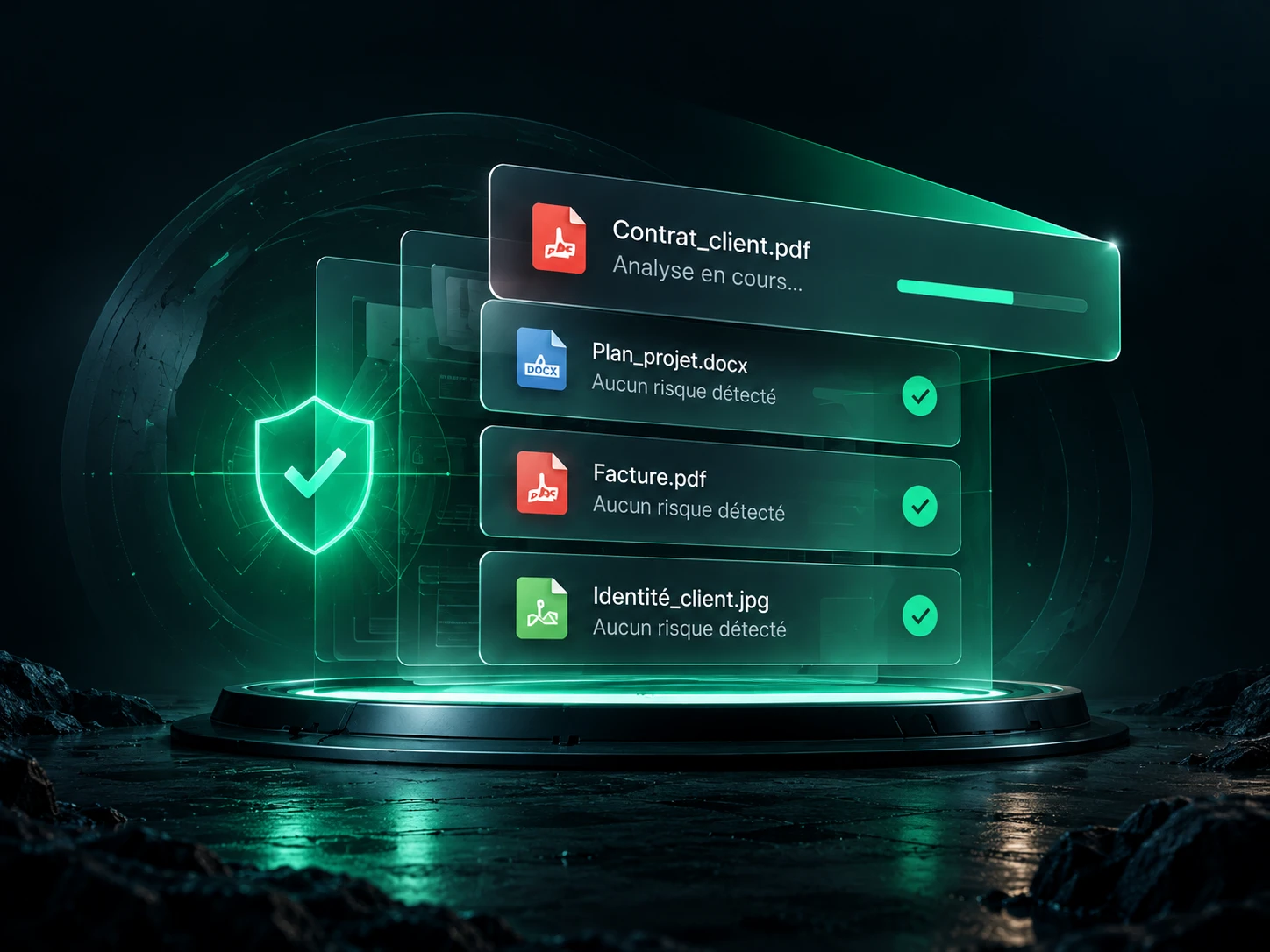
A checked file.
A better protected exchange.
Get file scanning inside the app and go further: share your documents in a client space, follow the exchanges and gather feedback in one place.
Create my DocBunker space Discover the app →