
DocBunker vs WeTransfer
WeTransfer or a client folder for your documents?
A one-off transfer of large files or a lasting client folder? Compare size, duration, client uploads and tracking.
 WeTransfer
 DocBunker
- 3criteria where DocBunker is better
- 2criteria level
- 2criteria where WeTransfer is better
The short answer
Which approach fits your project?
A transfer service such as WeTransfer is made to send one or more files, sometimes very large ones, to someone who has to collect them. It is generally designed for a one-way send with a limited lifetime. A DocBunker folder fits when the exchange goes on: the client uploads, comments, and you find everything in one place. For very large files, a transfer service is often still the better tool.
This comparison covers link-based file transfer services. Size limits, lifetimes and options vary by service and plan: check them with the provider before deciding.
Everyday differences
On mobile, scroll the table horizontally.
| Your needs | WeTransfer | DocBunker folder |
|---|---|---|
| Large files | ✓ BetterBuilt to send large files, with limits that depend on the plan. | Up to 25 MB per file (free), 250 MB (Pro) or 2 GB (Business): not designed for very large files. |
| Link lifetimeEquivalent | The transfer expires after a period tied to the plan. | The folder stays until you delete it; the client link expires and is revoked on your terms. |
| Client reply | A one-way send; the client replies through another channel or a new transfer. | ✓ BetterThe client uploads files and leaves comments in the same folder. |
| Updates | Each new version is a new send with a new link. | ✓ BetterNew versions are added to the same folder behind the same link; naming them is up to you. |
| TrackingEquivalent | Depending on the plan, a download notification. | A folder activity log: views, uploads, downloads, comments. |
| Sending in seconds | ✓ BetterDrop a file, type an email, send. | A folder to create before the first send; slower for a single send. |
| Keeping a project together | One transfer per send: the project scatters across links. | ✓ BetterOne folder and one link for the whole project, with comments. |
Where DocBunker is better
- Client reply
- Updates
- Keeping a project together
Where WeTransfer stays better
- Large files
- Sending in seconds
Every tool has its strengths: this scorecard compares the use case “exchanging documents with a client”, not the tool as a whole.
A one-off exchange
When a transfer is enough
You are delivering a final package, possibly a heavy one, to a single recipient who downloads it once. No reply or revision is expected: a link that expires is exactly what you need.
An ongoing project
When to move to a client folder
The project involves several rounds, files to receive and feedback to find again. A folder avoids multiplying links and gives you one place to see what was exchanged.
Prepare a folderA practical example
Example: a brochure going through corrections
A freelancer sends a PDF brochure through a transfer link. The client asks for three changes by email and sends images in another transfer. Versions end up scattered across two tools.
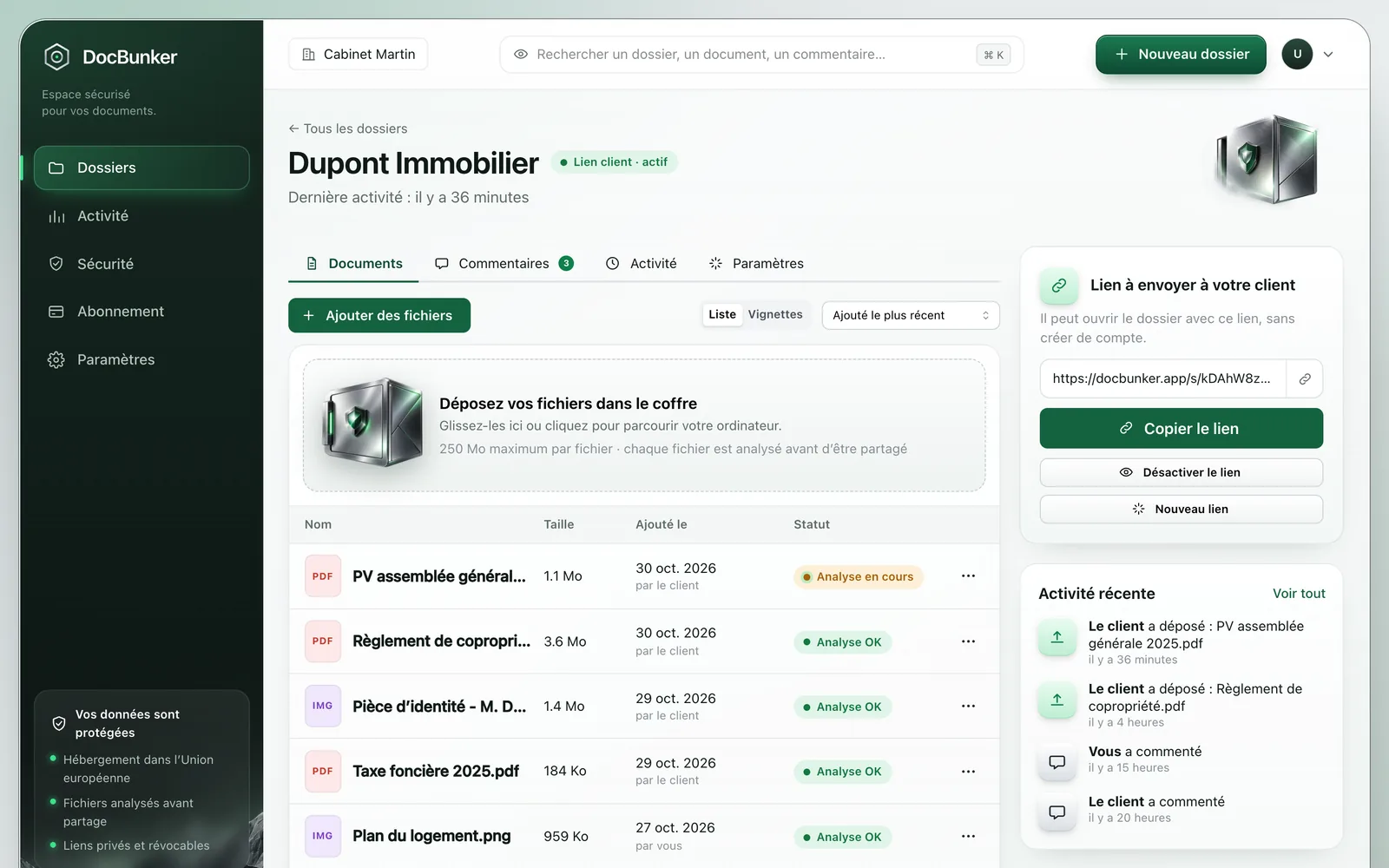
With DocBunker, the brochure, the client’s images and the comments stay in the project folder. To deliver the very heavy final version, the freelancer can still use a transfer.
How to get started
- Use a transfer for heavy, one-off deliveries.
- Create a DocBunker folder to follow the project and collect feedback.
- Revoke the link when the project is closed.
Anyone holding an active link can access the folder. Choose your recipients and close the link when sharing should end. Recipients keep copies they have already downloaded.
Common questions
Can DocBunker replace WeTransfer?
For ongoing document exchanges, yes. For sending very large files once, a transfer service is often still the better fit.
What is the maximum file size?
25 MB per file on the free plan, 250 MB on Pro and 2 GB on Business, with 50 files per folder.
Does the recipient need an account?
No, neither with DocBunker nor usually with a transfer service: they open the link they receive.

Make client exchanges easier
One folder for the rest of your project.
Keep your preferred channel for messages, with a dedicated place for client documents and feedback.
Create my folder